- Read & Burn & Rip CD and DVD Disc
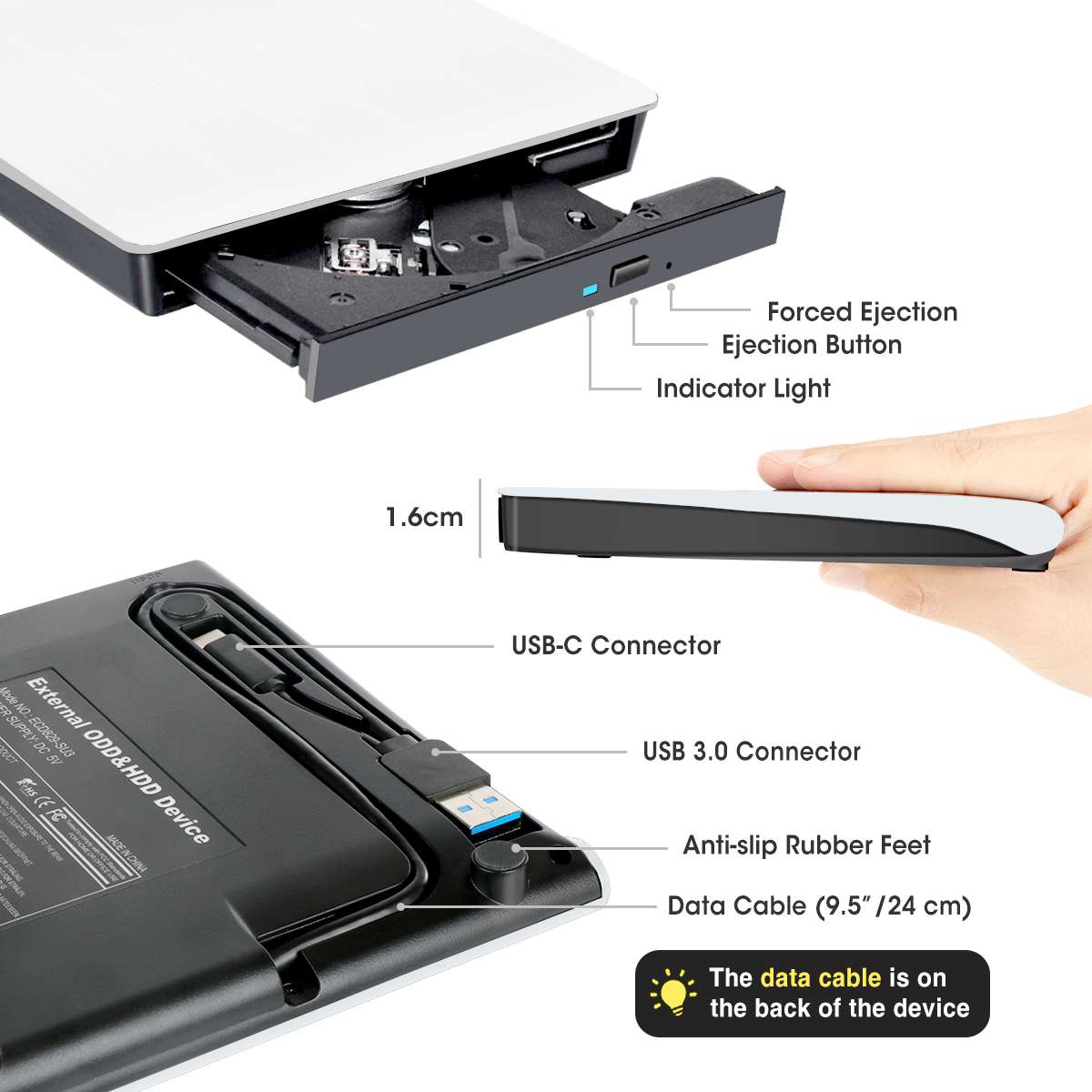
- USB 3.0 and USB-C 2 Types of Connectors
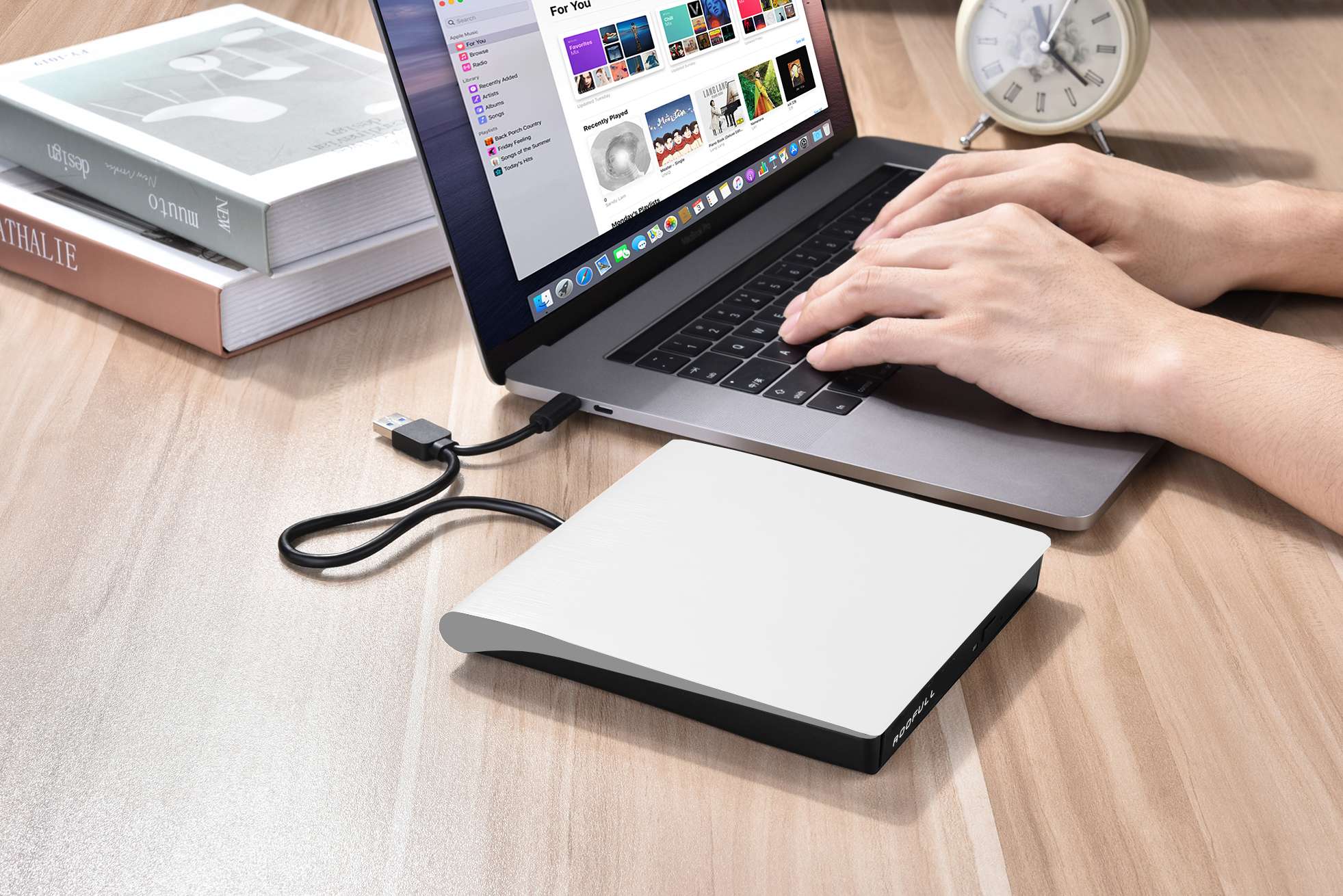
- Compatible with Windows, Mac, Linux Laptop PC
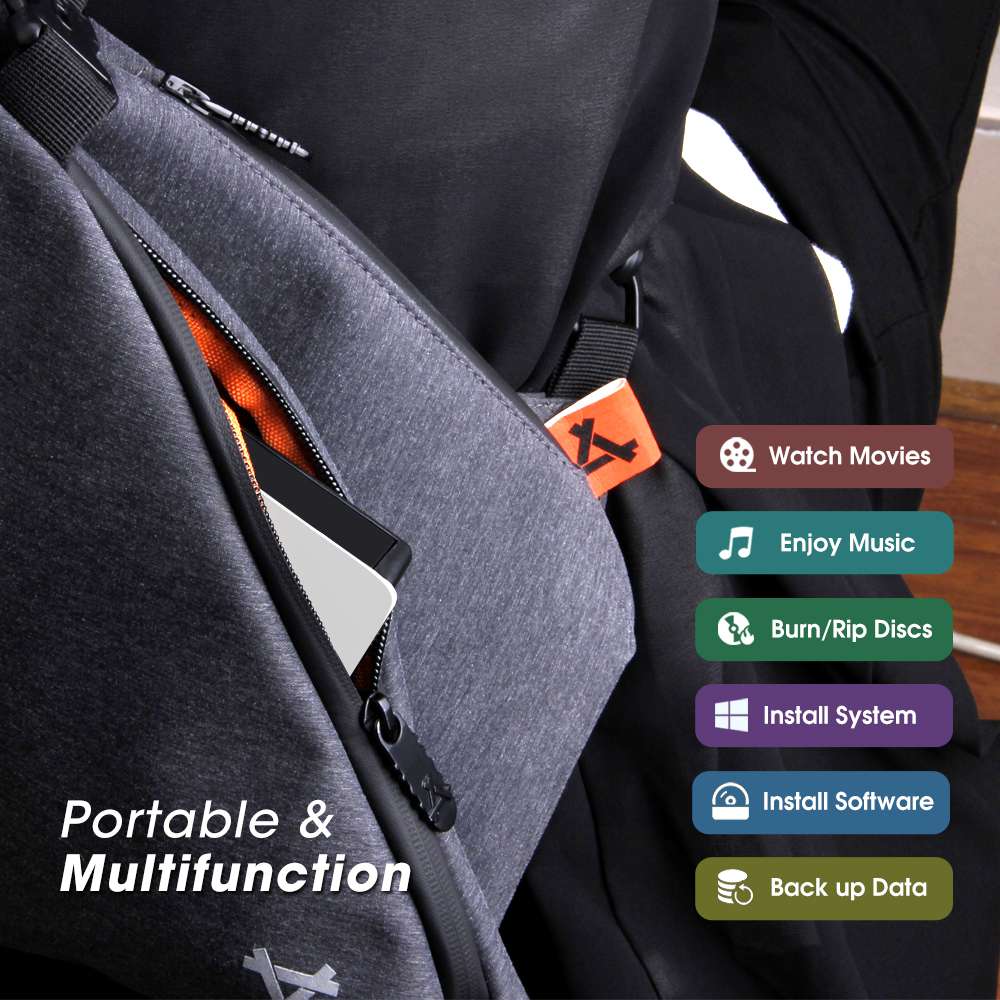
- Compact & Lightweight Design
- Plug & Play


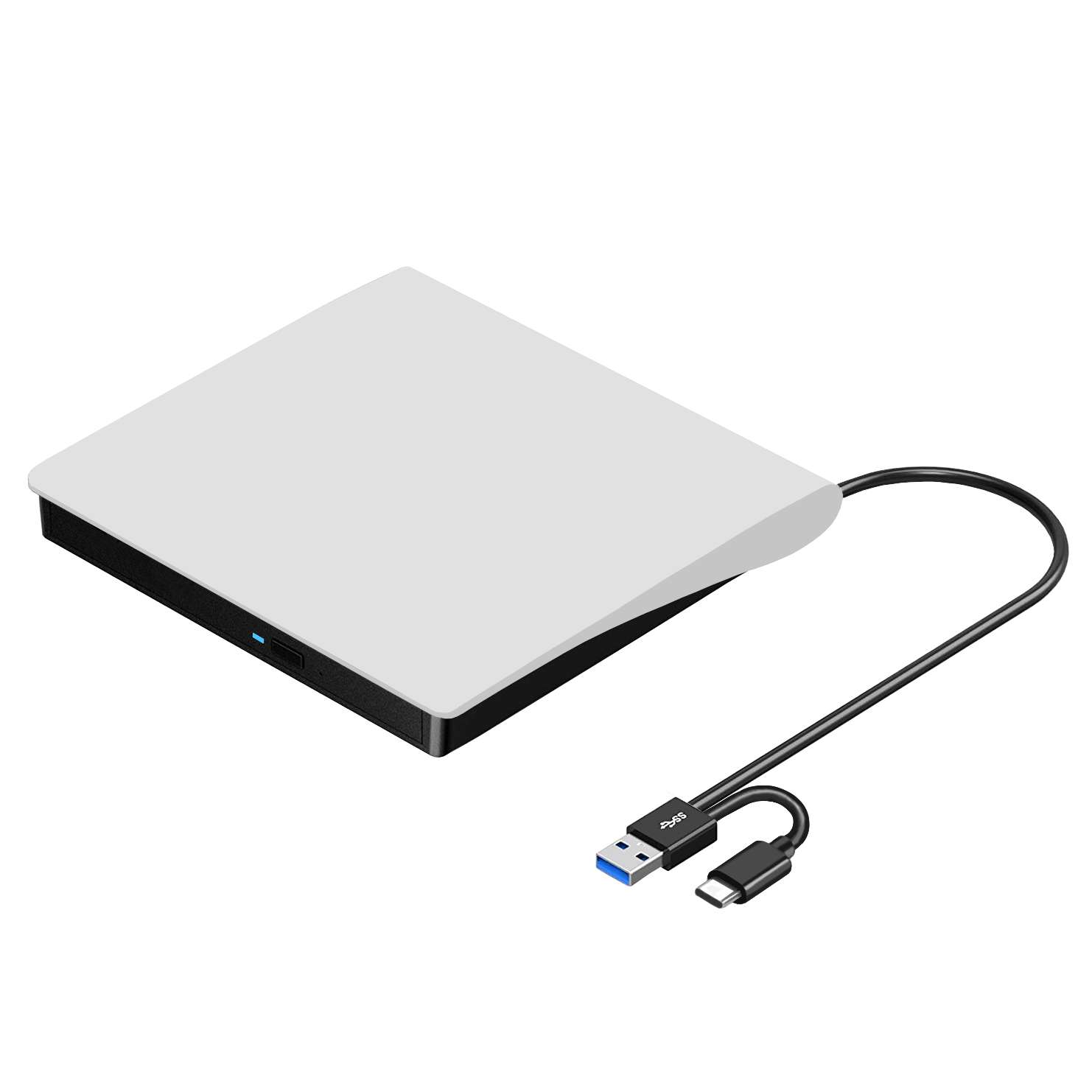
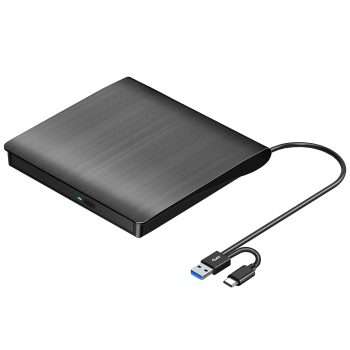
ROOFULL External CD/DVD Drive for Mac Laptop, USB 3.0 & USB-C Portable DVD CD ROM Reader Player Burner Writer Rewriter for Apple MacBook Pro/Air, iMac, Windows 11/10/ Laptop Computer, White
Original price was: $33.99.$26.99Current price is: $26.99.
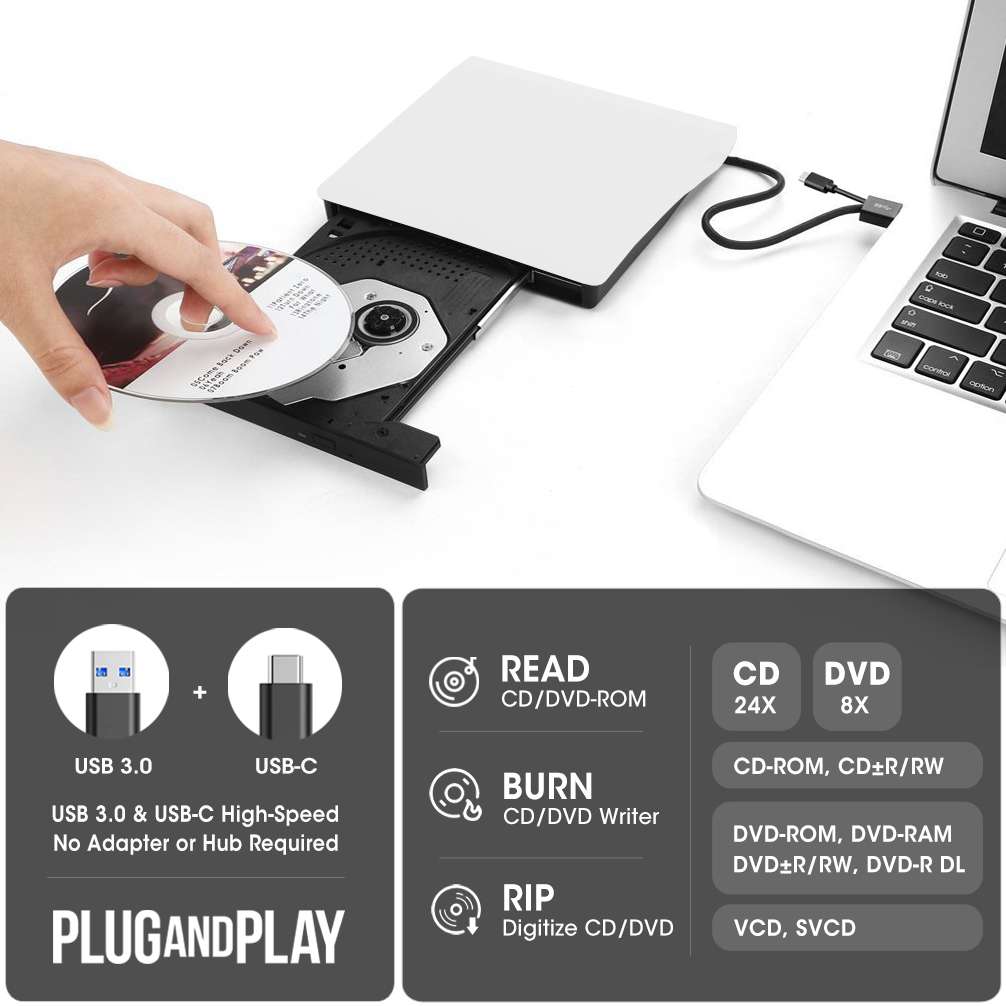
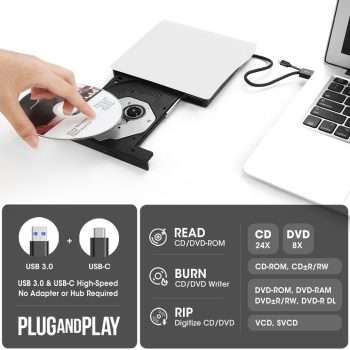
- 【External CD/DVD Drive for Mac & Laptop】 This white ECD829-Y, a reliable external optical drive launched in 2015 and trusted by over one million users, is a simple choice for reading and writing CDs and DVDs on your MacBook or laptop. Just plug the data cable into your PC/Mac—no complex settings or drivers needed. (On Mac, the disc drive icon will appear on the desktop after a disc is inserted and read). You can then easily use your favorite media player, burning, or ripping software to read, write, and rip your discs, plug and play! (Scroll down for recommended software and detailed steps)
- 【Not Just a CD/DVD-ROM】This external DVD drive does more than play music CDs and movie DVDs — it’s also a CD/DVD burner, writer, rewriter, recorder, and ripper. With it, you can enjoy your old CD/DVD collection, burn music, photos, family videos, or data to blank discs, and rip (digitize) audio CDs or video DVDs into digital files like MP3, WMA, or MP4 to store on your computer. You can also view photo discs, install software or games, and back up important data for long-term storage or sharing. It supports all common disc formats, including CD-ROM, CD-R/RW, CD+R/RW, DVD-ROM, DVD±R/RW, DVD-RAM, and dual-layer DVD±R DL (VCD too). Note: Blu-ray and 4K discs are not supported
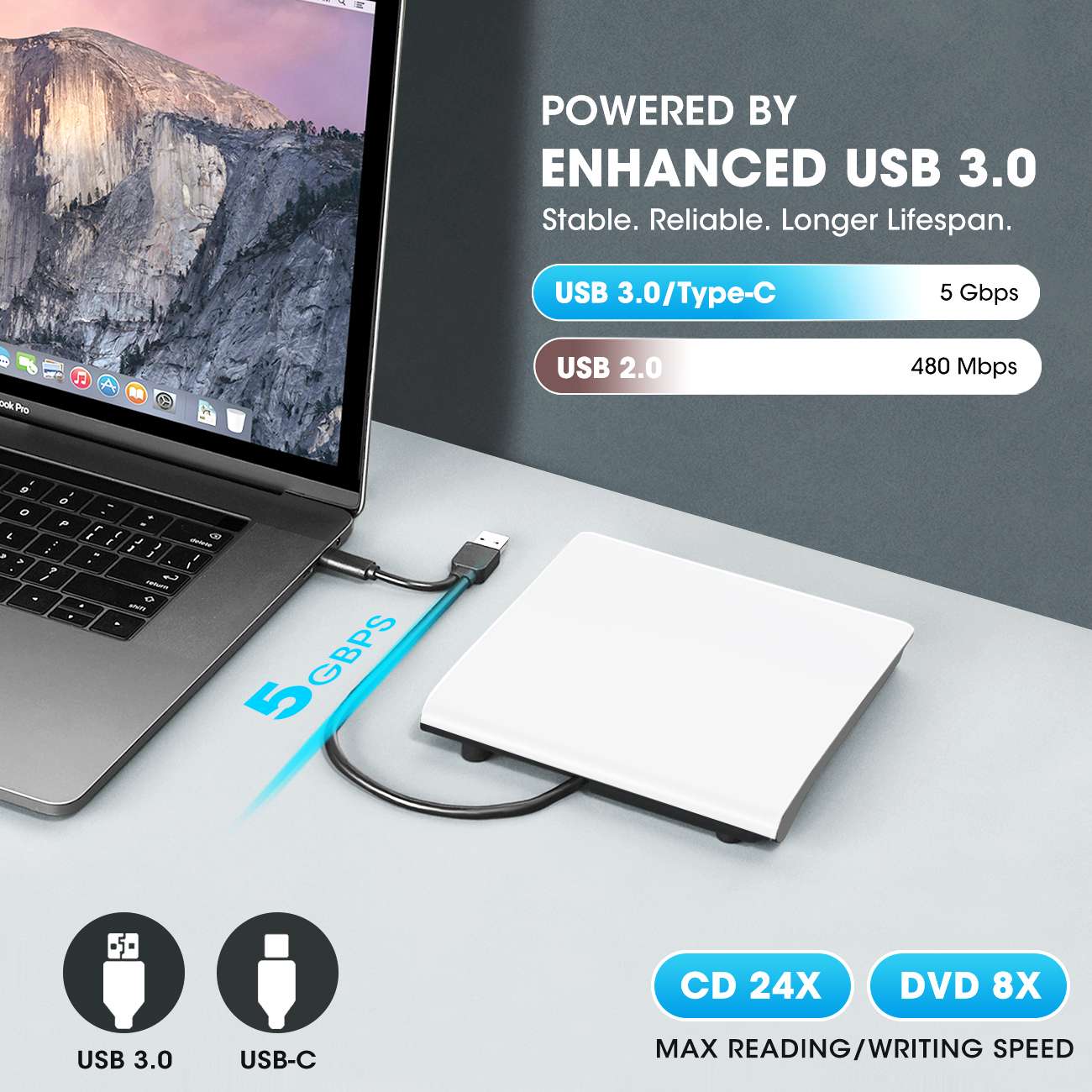
- 【High Speed & Dual Connectors】Enhanced USB 3.0 not only delivers high-speed data transfer up to 5 Gbps (625MB/s) — 10× faster than USB 2.0 — with DVD 8X and CD 24X max read/write speeds, but also provides stable and reliable performance with strong error correction, noise reduction, smooth operation, and long-lasting durability. Dual connectors (USB Type-A & USB-C) allow easy plug-and-play with most laptops and desktops, no adapter required!
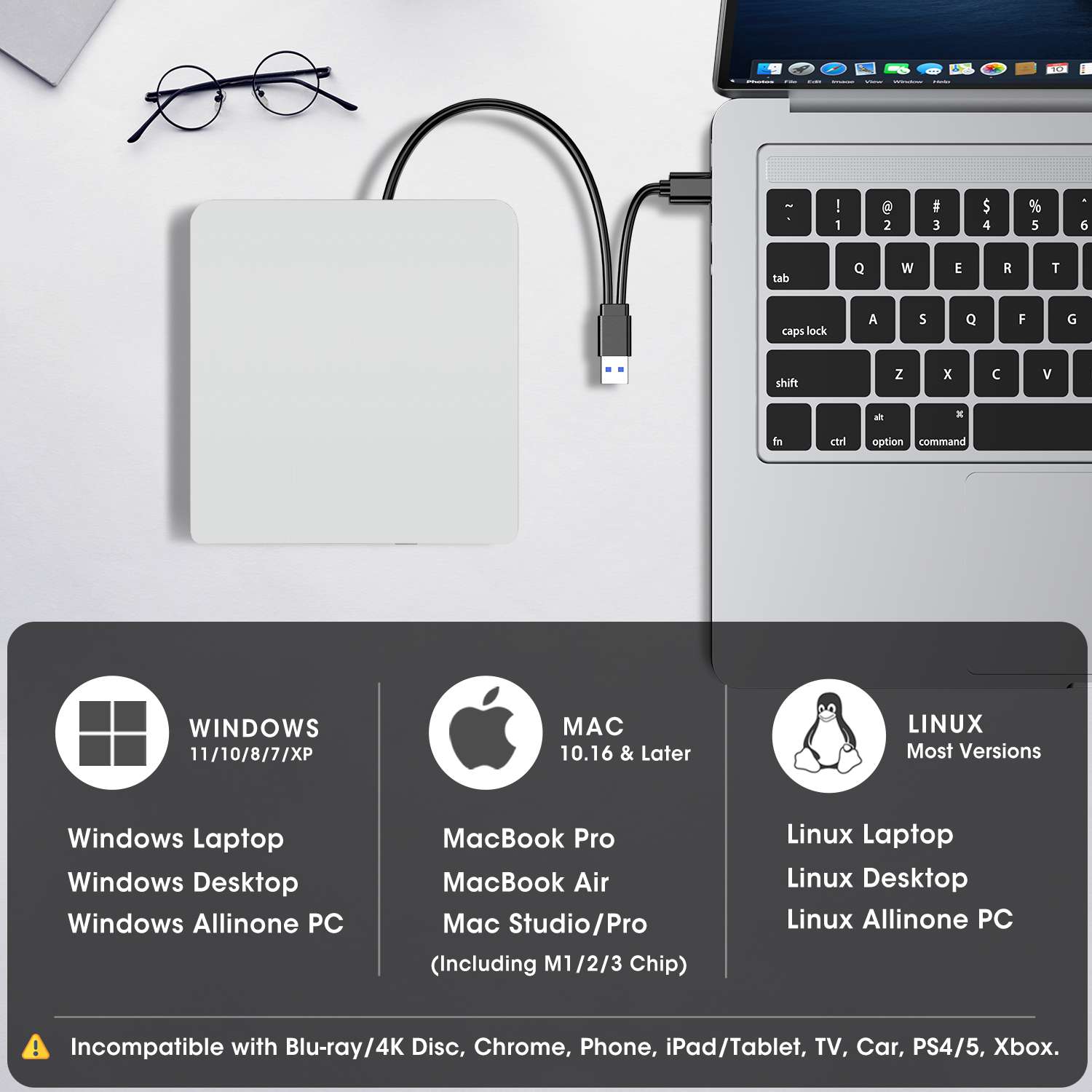
- 【Wide Compatibility】This USB external CD/DVD player works with Apple MacBook Pro, MacBook Air, iMac, and Mac mini/Studio running macOS 10.16 or later, as well as Windows 11/10/8.1/7/Vista/XP and Linux laptops or desktops. For desktop PCs, we recommend using a rear USB port on the motherboard for a stable power supply. 【Note】This disc drive is not compatible with ChromeOS (Chromebooks), smartphones, iPads/tablets, TVs, projectors, vehicles (cars/trucks), some Surface models, or Blu-ray/4K discs
- 【Slim & Compact Design】This portable CD/DVD external drive features a classic compact design and lightweight that make it easy to slip into your laptop bag, backpack, or desk drawer—perfect for travel, work, or home use. The data cable is located on the back of the device and can be used at any time without worrying about losing it. Whether you’re burning discs on the go or enjoying your favorite movies anywhere, this portable drive fits your digital lifestyle effortlessly.
- 【Buy with Confidence】Since 2015, ROOFULL has been selling on Amazon for 11 years, focusing on reliable external CD/DVD drives. Our drives use brand-new parts with error correction and anti-interference design to work quietly and smoothly. Every unit comes with 2 years of service. If you have any trouble using it, please message us through your order for: ① A brand-new replacement sent to you without returning the old one. ② Total financial compensation without the hassle of a return. ③ Free technical help and setup guidance
- 【Other Things to Know Before Buying】① Due to macOS limitations, the tray cannot be opened via the button after playing or burning a disc. To eject a disc on a Mac, right-click the desktop icon and select “Eject,” or go to “File” > “Eject” from the menu. ② Plug and play means no manual driver installation, but software is still required to play or burn discs
| Color | White |
|---|---|
| Model | ECD829-Y |
Add a review
Add a review
You may also like…
-
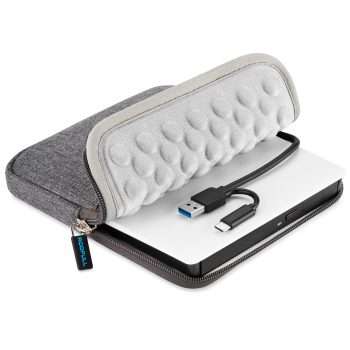
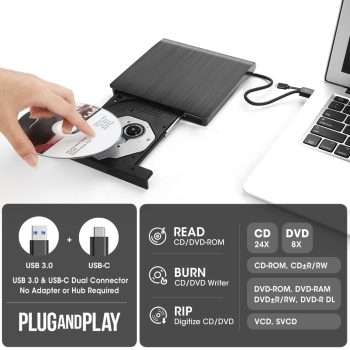
ROOFULL External CD DVD Drive for Mac Laptop, USB 3.0 & USB-C Portable CD Reader Writer Burner DVD Player ROM+/-RW Disc Drive with Carrying Case for Apple MacBook Windows 11 PC Computer, White
Original price was: $35.99.$29.99Current price is: $29.99. -
ROOFULL External CD/DVD Drive for Laptop, USB 3.0 & USB-C Portable CD/DVD-RW Player Reader Writer Burner, Optical Disc Drive for Windows 11/10 PC, Mac, MacBook & Linux Computer
Original price was: $33.99.$26.99Current price is: $26.99. -
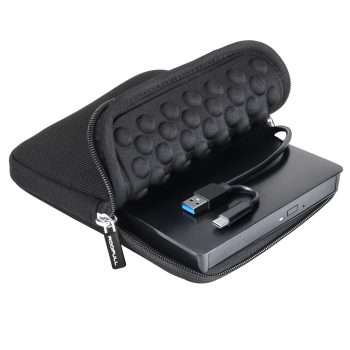
ROOFULL External CD DVD Drive for Laptop & Mac with Case, USB 3.0 Type-C
Original price was: $35.99.$29.99Current price is: $29.99. -
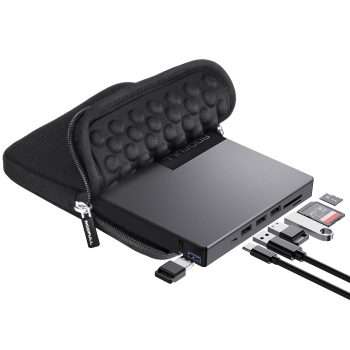
ROOFULL External CD DVD Drive for Laptop 8-In-1 USB 3.0 & USB-C DVD Player CD-ROM/RW Disc Reader Writer Burner with Carrying Case & SD Card Slots + USB Ports for Mac PC MacBook Windows 11/10 Computer
Original price was: $45.99.$39.99Current price is: $39.99.
Related products
-
ROOFULL External CD DVD Drive with Carrying Case for Laptop USB 3.0 & USB-C
Original price was: $35.99.$29.99Current price is: $29.99. -
ROOFULL External CD DVD Drive with USB 3.0 Type-C Ports + SD Card Slot + Carrying Case for Laptop PC, CD DVD +/-RW Reader Writer Burner Player ROM Optical Disk Drive for Windows, Mac, Linux Computers
Original price was: $45.99.$39.99Current price is: $39.99. -
ROOFULL 5 In 1 External CD DVD Drive with USB 3.0 Ports and SD Card Slot, USB-C CD Burner DVD Player Reader Writer for Laptop Desktop PC, Windows 11/10 Laptop, Mac MacBook, Linux
Original price was: $39.99.$31.99Current price is: $31.99. -
ROOFULL External CD DVD Drive Burner with USB 3.0 & USB-C Hub and SD/TF Card Slot, Portable CD-ROM DVD Player Optical Disk Drive Reader Writer for Laptop PC Windows 11/10, Mac MacBook, Linux
Original price was: $39.99.$33.99Current price is: $33.99.
Updating…
-
- No products in the cart.
Subtotal: $26.99
David Adkins –
I have a macbook pro 13″ (i think) and this works like a charm. I am very pleased to announce that after having to return the slightly cheaper option due to non-compatibility, this disc drive was a breeze. Obviously, burning on a macbook has its cons. I still seemingly wasn’t able to transfer names of songs onto the disc when burning, but that might be the fault of my macbook rather than the drive itself. Still, 10/10.
Ted.williams –
Quality seller, item delivered safely (well packaged) after ordering. Great communication from seller with follow-up email to check satisfaction with product and copy of manual for the item. Simply plugged it into my pc and started working.
Daniel Burns –
Excellent build quality! The drive feels sturdy and well-made, much better than the cheaper plastic models I’ve tried before.