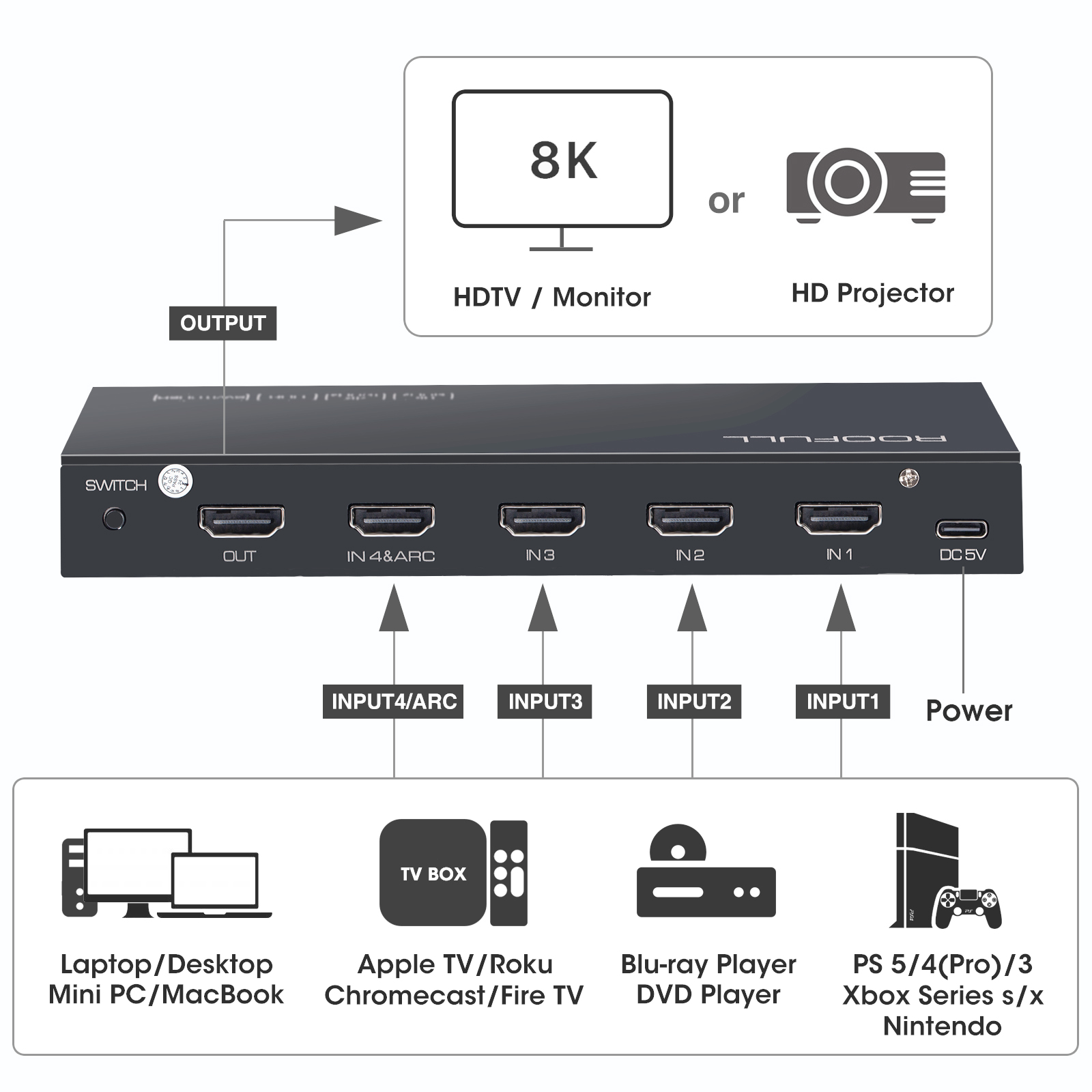
- 【Designed for Multiple Source Devices】 Are you tired of constantly switching among multiple source devices on your TV? ROOFULL 4 in 1 out HDMI switch makes it a breeze! Connect up to 4 of your HDMI devices, such as PS5, Xbox, Switch, and Roku to your TV or monitor with just one or limited input port, plug and play, no need to switch devices by plugging and unplugging the HDMI cable
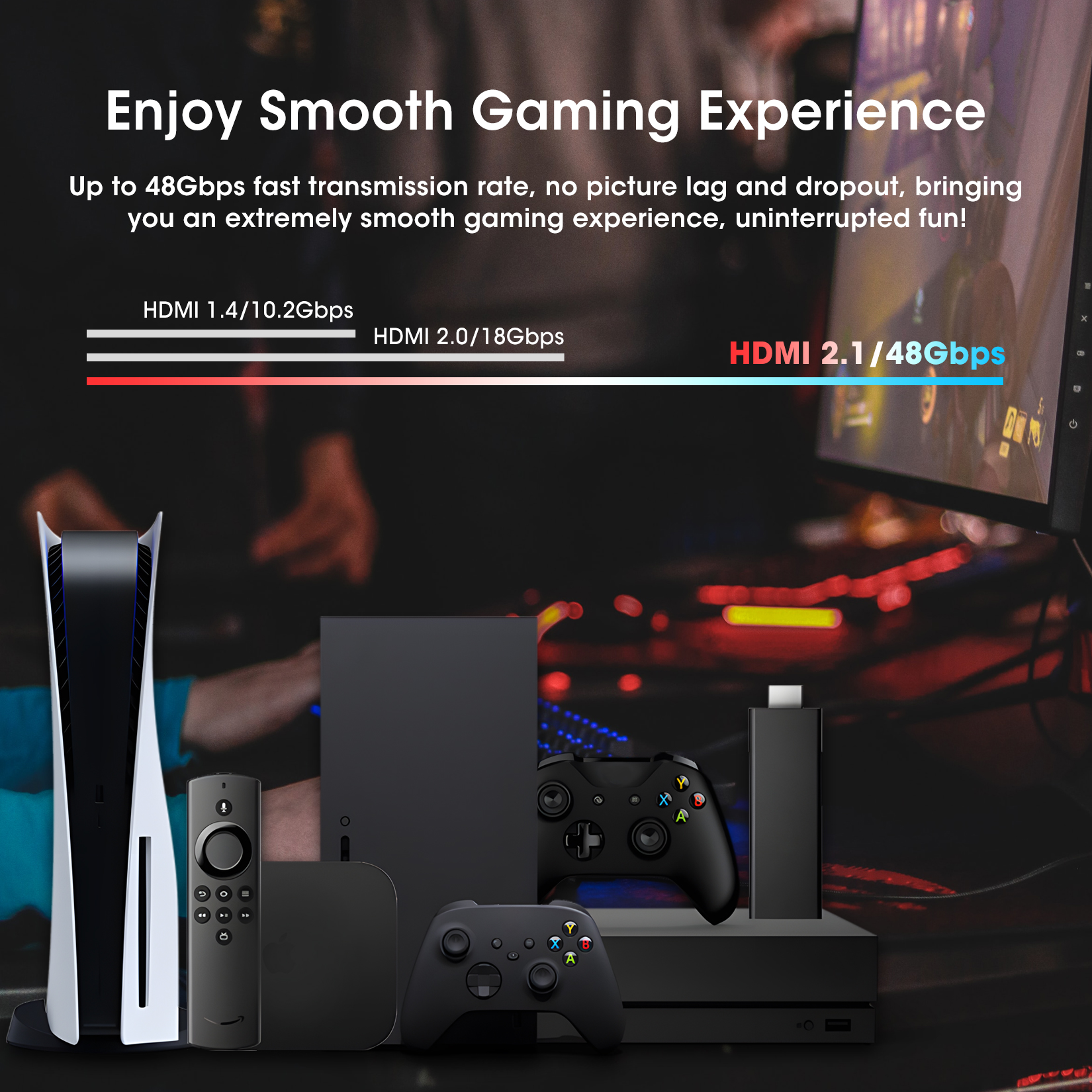
- 【Certified HDMI 2.1 & Stable Transmission】This HDMI switch uses the latest officially certified HDMI 2.1 technology and supports the fastest 48Gbps bandwidth data transmission speed. No frames or images are lost, making your game or video run smoothly. Equipped with a UL-certified power adapter (not just a cheap USB cable), there will be no signal loss or delay due to insufficient power
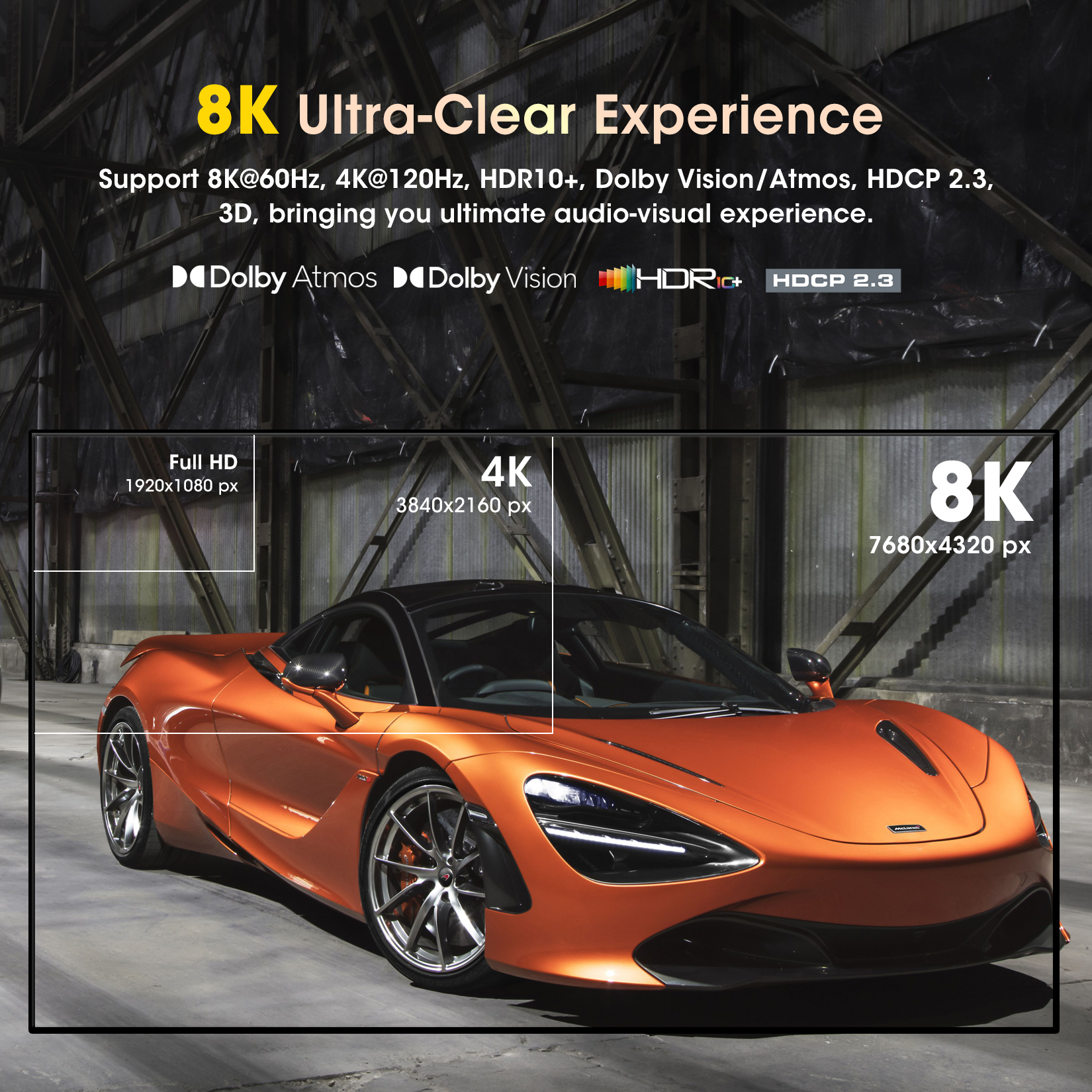
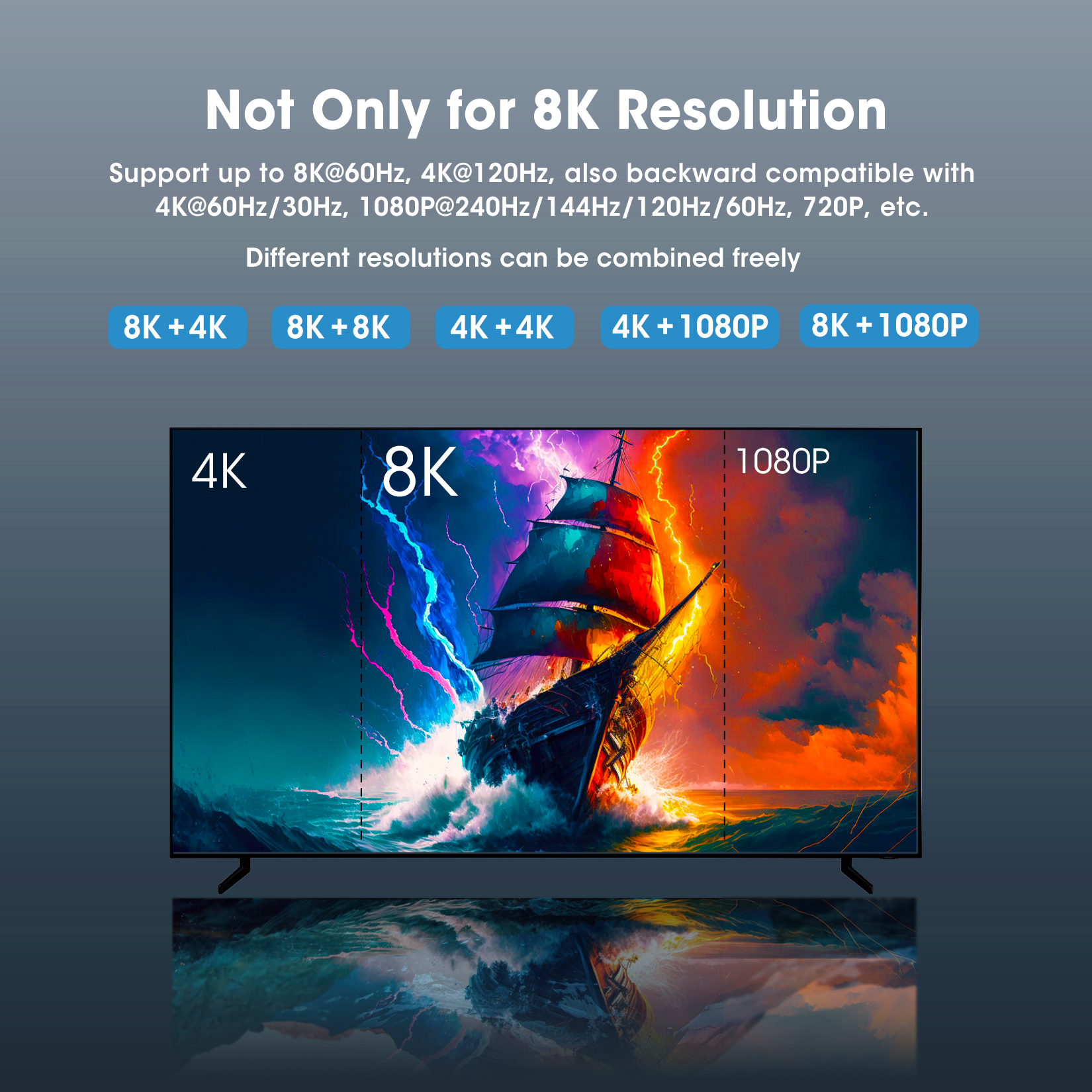
- 【True 8K Ultra-HD Resolution】Immerse yourself in an incredible viewing experience with 8K@60Hz/10bit deep color, 4K@120Hz/16bit deep color, and backward compatible with 4K@60Hz, 4K@30Hz, 2K@30/60/120Hz, 1080P@60/120/144/240Hz. Support HDCP 2.3 Pass-through, Dynamic HDR10+, Dolby Vision, 3D, CEC, and all available audio formats, including Dolby Atmos, DTS-HD, Dolby TrueHD, LPCM7.1, PCM, Dolby Digital AC3, DSD-HD. With it, you can experience a stable and smooth picture andan excellent audio-visual experience of any HDMI device
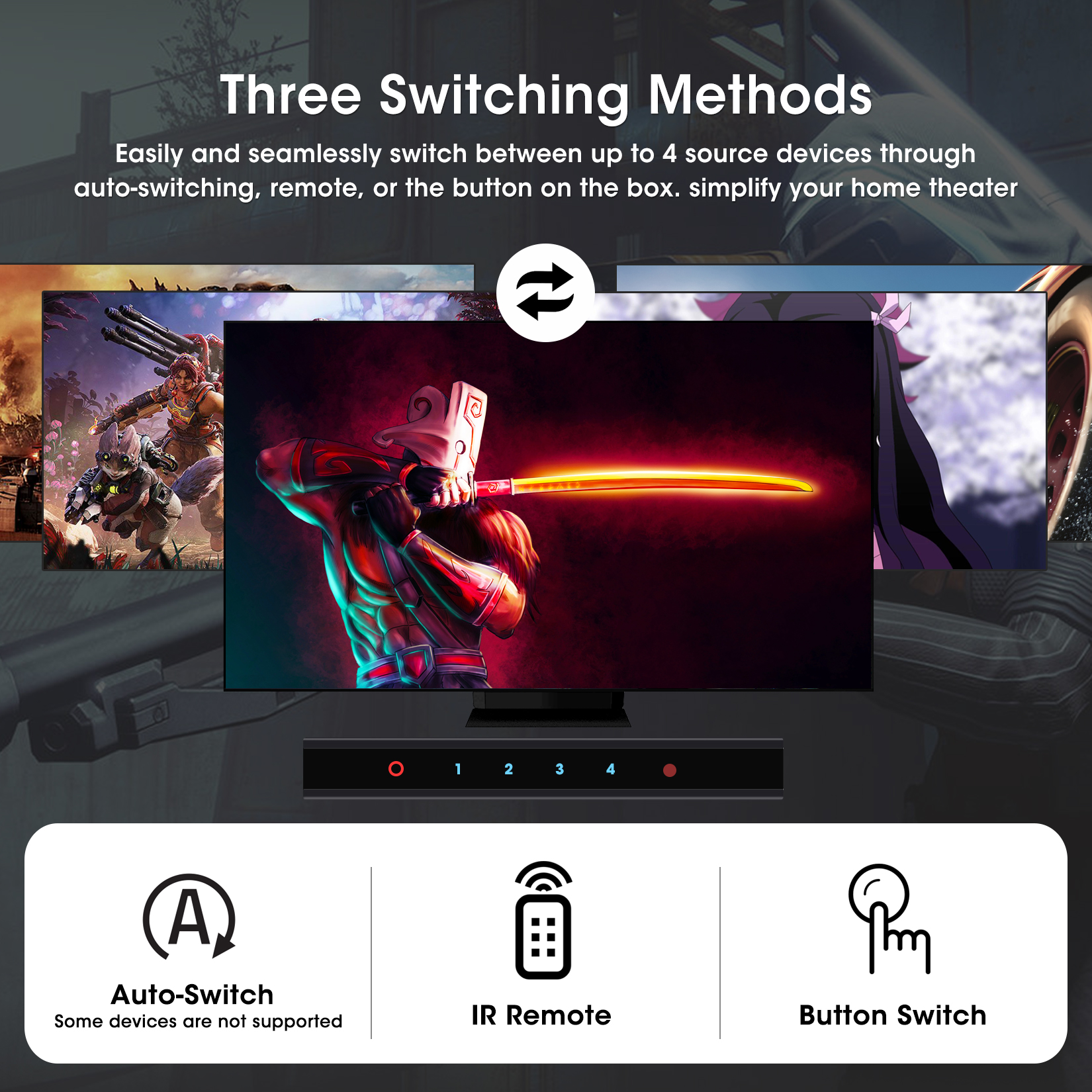
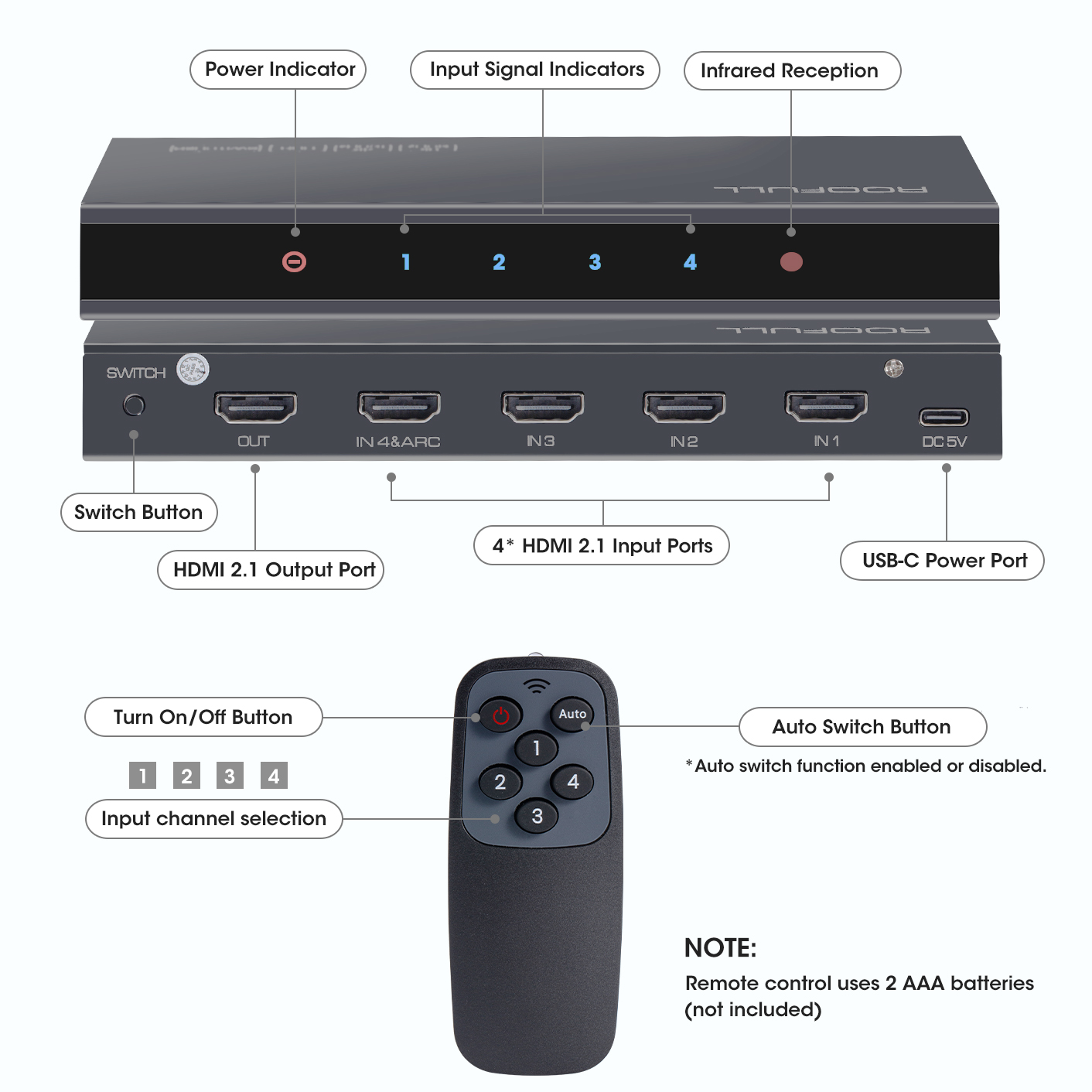
- 【Convenient Remote Control & Manual Switch】Effortlessly switch between source devices from the comfort of your couch or bed with the remote control (The control range is within 33 FT). A manual switch lets you switch among 4 devices at any time with a flick of the switch button. With 4 LED indicators that clearly show you which port is active
- 【Can I Use Auto-switching?】When auto-switching is enabled, the switch detects the voltage of the connected devices to determine the active source. If the current active device is turned off (not in standby mode), the switch automatically jumps to another active device. However, certain devices—such as the PS5, PS4/4 Pro, Amazon Fire TV, Apple TV, Xbox One/S/Series X, and Nintendo Switch—continue to emit a weak voltage even when powered off. This prevents the switch from detecting the device as “off,” thereby hindering the auto-switching function
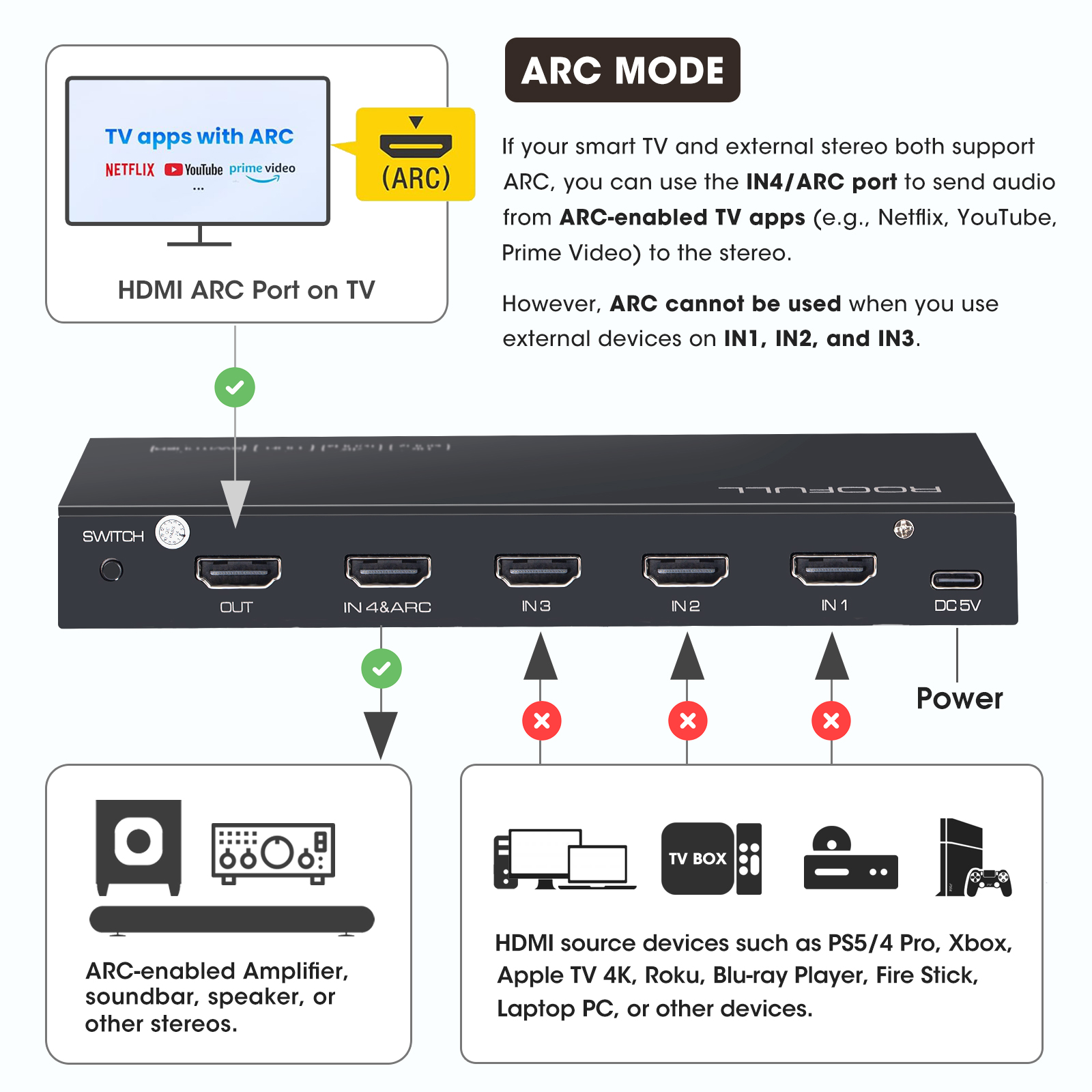
- 【Compatible with Most Devices】ROOFULL 8K HDMI switch with the latest multi-signal processing technology is compatible with a wide range of HDMI source devices, including PS5/3/4/4 pro, Xbox series x/s, Xbox 360, Fire TV Stick, Blu-ray player, Nintendo Switch, Apple TV, DVD player, Roku, Chromecast, laptop, desktop PC, HDTV, and projector. Output compatible devices: HD-Ready or 8K/4K/Full-HD TVs, projectors, monitors, etc. (We provide up to 2 years after-sales and tech support)
- 【Note】① To reach 8K@60Hz and 4K@120Hz, please use 48Gbps HDMI 2.1 cables; the total length of the input and output HDMI cable should be within 10 FT. ② Requires 2 AAA batteries (not included)


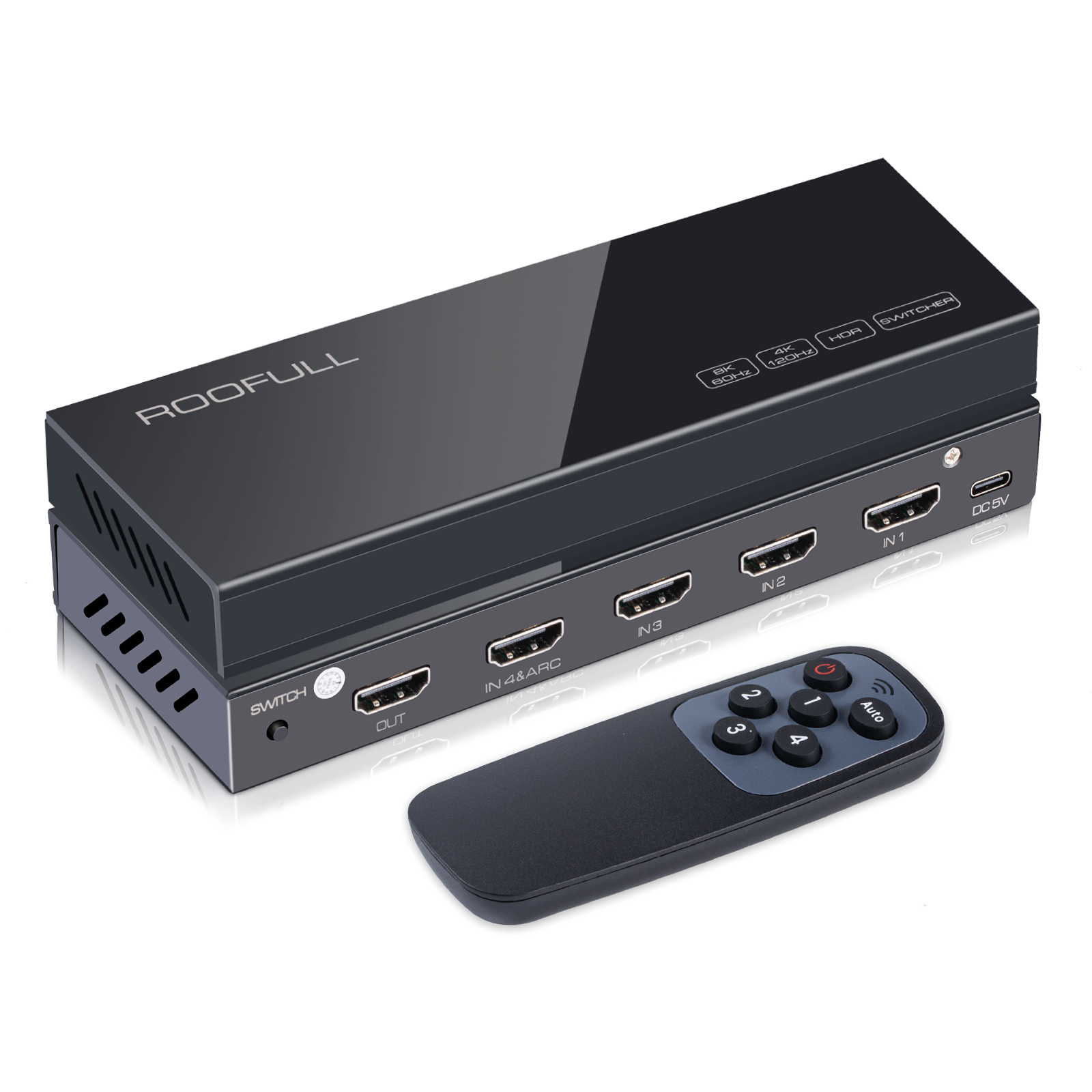
ROOFULL 4 in 1 Out 8K HDMI 2.1 Switch 4 Port 8K@60HZ 4K@120Hz HDMI Switcher Box with Remote Support 48Gbps HDR10+ Dolby Vision/Atmos HDCP 2.3 CEC for PS5 Xbox Roku Fire Stick Blu-ray Player Gaming PC
Original price was: $49.99.$42.99Current price is: $42.99.
| Color | Orange, Black |
|---|
Add a review
Add a review
Related products
-
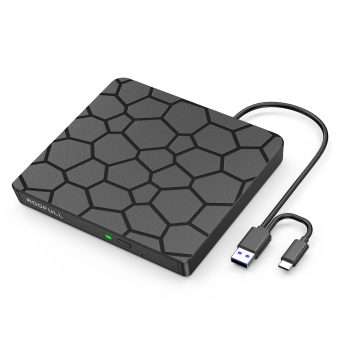
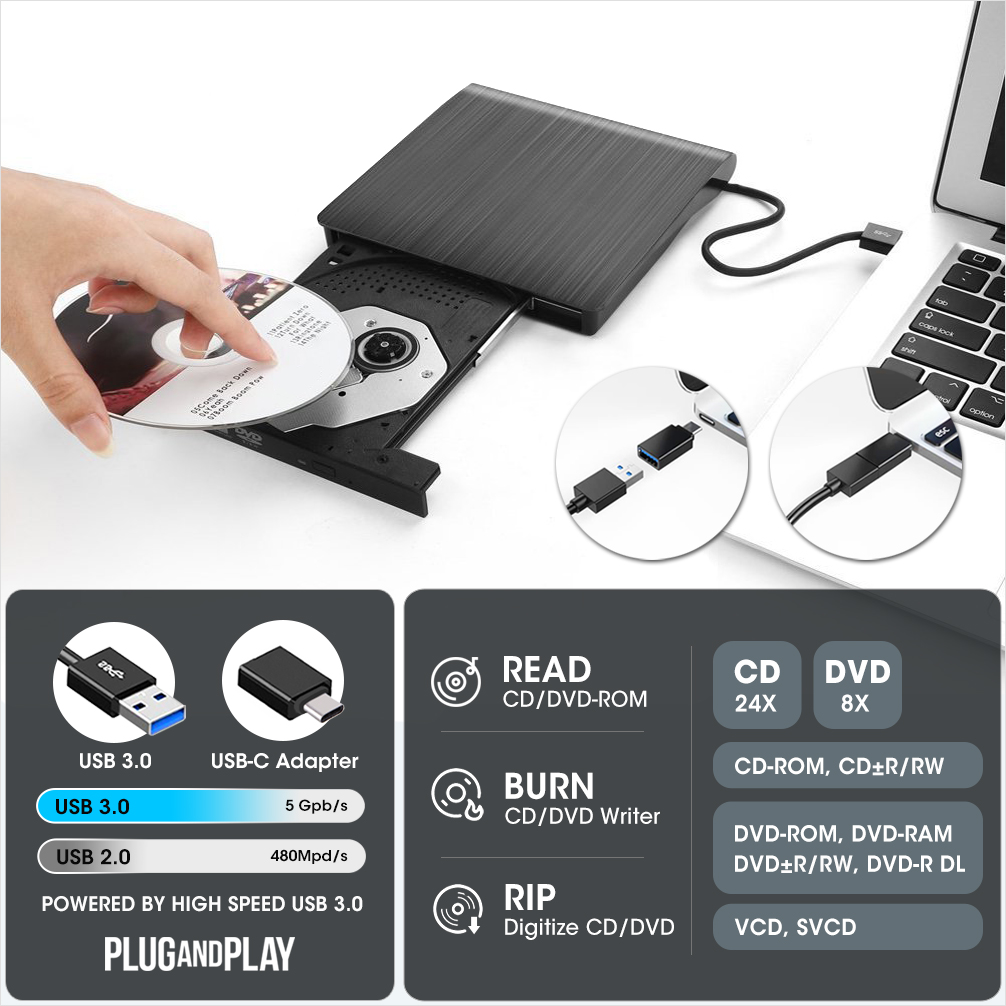
ROOFULL External CD DVD Drive for Laptop, USB 3.0 & USB-C Portable CD/DVD-RW Disc Drive Reader Burner Writer Player for Windows 11/10/8/7 Laptop Mac MacBook Linux PC, RF868
Original price was: $31.99.$24.99Current price is: $24.99. -
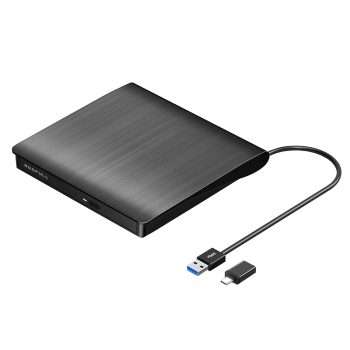
ROOFULL USB 3.0 External CD DVD Drive Burner for Laptop Mac Linux PC | Portable, Type-C Adapter, Full-featured CD/DVD Disc Reader Writer Rewriter Player, for MacBook/Windows/Linux Computer
Original price was: $29.99.$23.99Current price is: $23.99. -
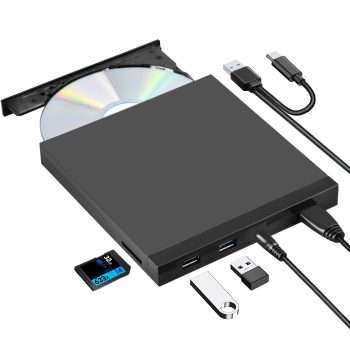
ROOFULL 5 In 1 External CD DVD Drive with USB 3.0 Ports and SD Card Slot, USB-C CD Burner DVD Player Reader Writer for Laptop Desktop PC, Windows 11/10 Laptop, Mac MacBook, Linux
Original price was: $39.99.$31.99Current price is: $31.99. -
ROOFULL External CD DVD Drive for Laptop, USB 3.0 Type-C Portable CD Burner DVD Player Optical Disc Reader Writer for Windows 11/10 Computer Mac MacBook Linux PC with Protective Carrying Case
Original price was: $35.99.$29.99Current price is: $29.99.

Updating…
JM –
I bought this to replace an outdated Kinivo HDMI hub and am pleased to report that it handles Nintendo Switch 2, Playstation 5, Xbox One X, and my PC. The device is sturdy, and the remote does not feel flimsy.
Jeff –
Works great. I have plugged all of my gaming consoles, I have it feeding a capture card which ends up feeding my monitor and it all works nice and smooth. One thing that doesn’t work properly is the “auto” feature. It will select an input to output but more often than not it’s the wrong one, so you manually have to pick which input to turn on even if the all your cables and devices are CEC compatible. Other than that, this switch does what it’s supposed to.
Mike –
I’ve been using the unit a couple of weeks now, and unlike other switchers I’ve tried for the same setup, it works consistently and reliably. I’m not taking advantage of 4K (yet), just 1080p. I just wanted a simple switcher to share one HDMI port on the TV between a Nintendo Switch and PS4 but with room to add more devices. Other products I tried had issues with the screen flickering black occasionally or losing the audio. The Roofull worked right away, and has had no problems. I haven’t even used the remote at all, as the auto-switching has worked perfectly.
Calvin –
I bought this HDMI switch because it came with a remote and supported CEC, so all my remotes could control volume and power. At first, I noticed a strange issue where my TV would randomly turn off — turns out it was related to the unit. I contacted tech support, and they were incredibly responsive. They quickly mailed me a replacement, and the new one works perfectly! Everything switches smoothly, CEC works as expected, and I’m really happy with the setup now. Excellent customer service and a solid product overall!
Norcal Rob –
I needed a switcher for HDMI video, and this is the best one that I have found. Others that I tried would only switch to one or two of the inputs, which may have worked for gaming, but not for my application. I decided to try this one because it is for 8K, and it does the job quite well. There is no delay when switching between inputs. I only do manual switching, and the remote works well.
Angel Bran –
I opted for this in order to extract 5.1 audio from my Firestick in my (mostly legacy) set up. My pre-pro is a high end pre-HDMI JBL SPD-40 (2004 vintage) that still produces excellent sound (and was over $10k retail). Using the Firestick until now required me to connect it to one of my Samsung TV’s HDMI ports and connecting a Toslink cable from the TV optical output to one of the pre-pro’s optical inputs. That limited the audio to two channel via the pre-pro and then its Logic 7 processing which does a good job of producing surround, but its not descrete 5.1. In steps this little dynamo of a switcher. I connected the Firestick to input 1, the HDMI ouput to the TV and a toslink output to one of the pre-pro’s optical inputs, and voila!, 5.1 into the pre-pro, which sounds as good as my other 5.1 source components. One thing to note is that I had to set the audio processing in the Firestick menu to Dolby Digital. Setting to Best Available or Dolby Digital Plus produced no sound due to limitations of the pre-pro, so you may have to experiment with your settings. Setting the EDID switch to 5.1 or Adv gets me 5.1DD and also 2 channel if the content is only 2 channel I haven’t bothered to connect my bluray players through this since there is no real need as they go directly to the pre-pro via optical for 5.1DD and DTS and also via RCA cables for 5.1 lossless audio for BluRay’s, SACD’s and DVD-Audio’s. The TV has enough HDMI inputs to accommodate those players for video. I’m very happy with this purchase.
Everette Bechtelar –
this product is ghetto.